Renting a Cloud GPU for AI: RunPod vs Vast.ai (Hands-On Review)
No room for a noisy GPU at home? You can rent an RTX 4090 by the hour for the price of a coffee. We tested RunPod and Vast.ai head-to-head; here's which to pick.
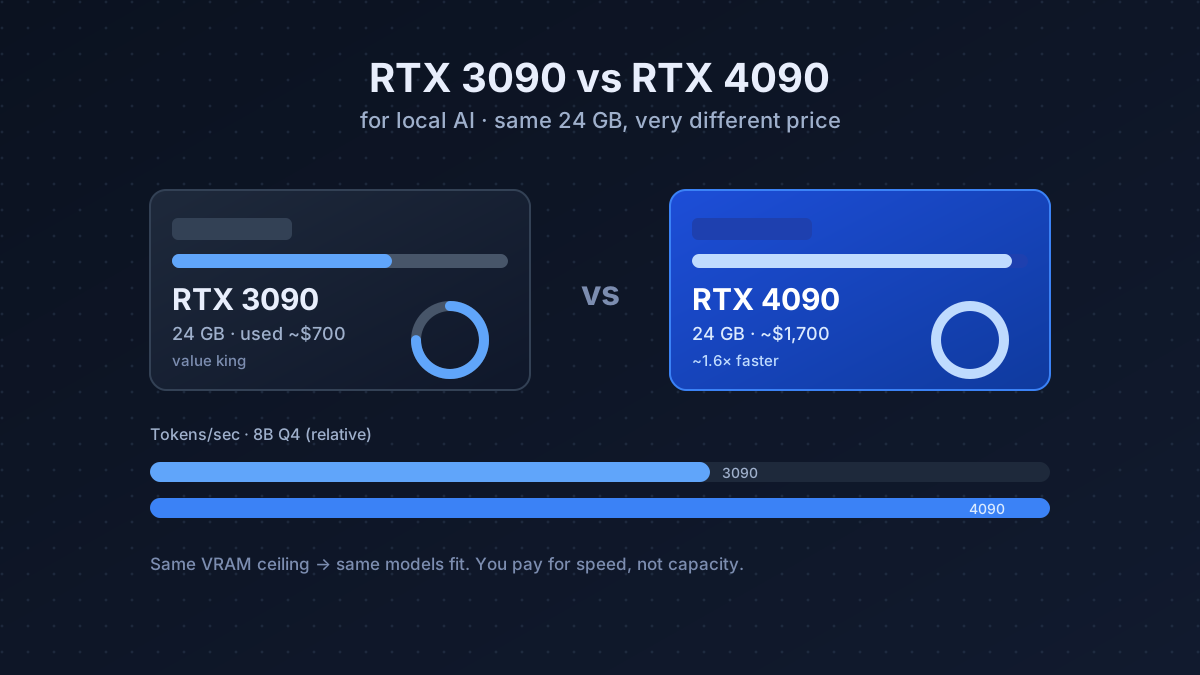
Buying a 24 GB GPU is the right move if you run models daily. But if you only need serious horsepower occasionally: fine-tuning a model, generating a batch of images, testing a 70B before committing, renting is dramatically cheaper than buying. An RTX 4090 you’d pay ~$1,700 to own rents for roughly $0.20–0.40 per hour.
This is local-AI thinking applied to the cloud: you control the box, the model, and the data while it’s running; you just don’t own the silicon. Below is how the two best providers compare, how to run your first rental without surprises, and the breakeven math for renting versus buying.
Should you rent or buy? The breakeven math
A used 3090 costs ~$700 and a 24 GB rental runs ~$0.30/hr. Ignoring electricity and resale, $700 ÷ $0.30 ≈ 2,300 hours before owning wins. That’s about 3 hours every single day for two years. So the rule is simple:
- Use a GPU < ~3 hrs/day, or in bursts? Rent. You’ll likely never reach breakeven.
- Use it most days, all day? Buy: ownership pays off within months and you keep resale value.
- Not sure yet? Rent first. A few dollars of cloud time tells you your real usage before you spend hundreds. See the cheapest-way guide for the buy side of this decision.
RunPod: the polished option
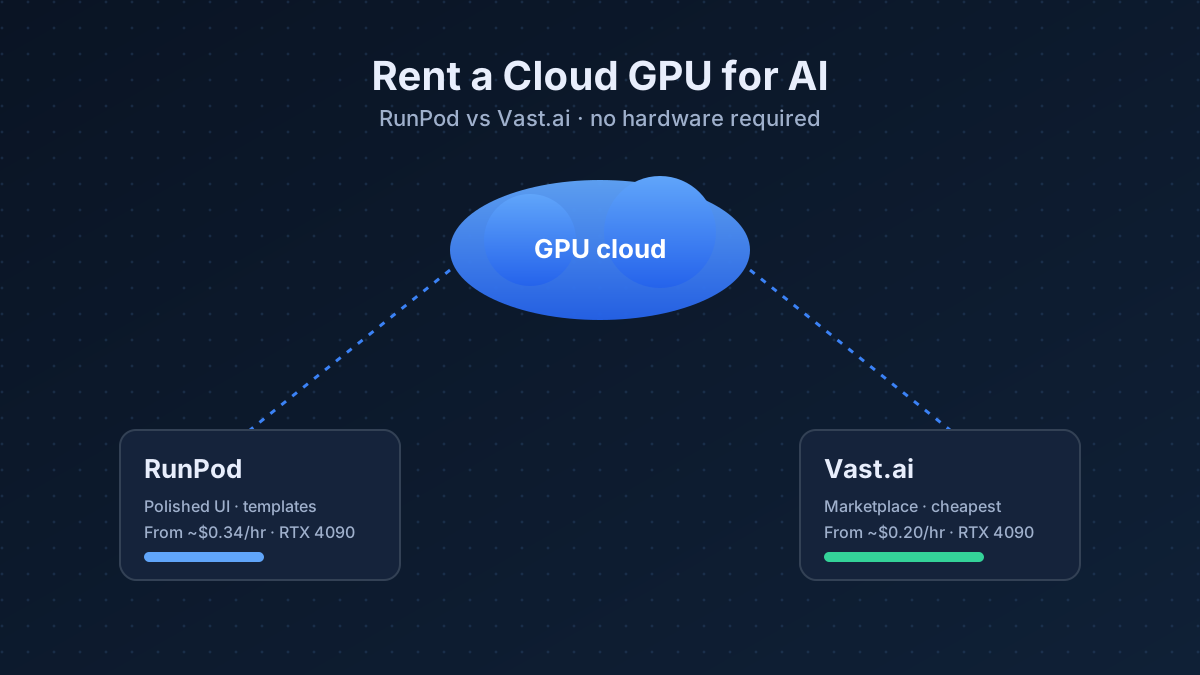
RunPod feels like a product. You pick a GPU, launch a template (Ollama, ComfyUI, text-gen- webui all pre-built), and you’re in a running container in under a minute. Pricing is clear and “secure cloud” instances are reliable.
- Pros: clean dashboard, one-click templates, persistent storage, good docs.
- Cons: slightly pricier than the cheapest marketplace bids.
- Typical RTX 4090: ~$0.34/hr.
Vast.ai: the cheapest option
Vast.ai is a marketplace: independent hosts list spare GPUs and you bid. That’s why it’s cheaper, and why it’s less consistent. You’ll want to check a host’s reliability score and bandwidth before committing.
- Pros: lowest prices, huge selection, great for short bursts.
- Cons: variable host quality, more setup, less hand-holding.
- Typical RTX 4090: ~$0.20/hr.
Which should you pick?
| RunPod | Vast.ai | |
|---|---|---|
| Ease of use | ★★★★★ | ★★★☆☆ |
| Price | ★★★★☆ | ★★★★★ |
| Reliability | ★★★★★ | ★★★★☆ |
| Best for | first-timers | cost-cutters |
Start with RunPod for your first few rentals: the smooth experience is worth the few cents. Once you know exactly what you need, switch to Vast.ai to cut the bill.
Your first rental, step by step
- Pick the GPU by VRAM, not name. Use the VRAM guide to choose: a 24 GB card runs up to a 70B at tight context; 48 GB runs it comfortably.
- Launch a template (e.g. Ollama or text-gen-webui) so you skip manual setup.
- Attach persistent storage for your models and data; otherwise everything vanishes when you stop the instance, and you’ll re-download multi-GB weights every time.
- Do the work, then stop the instance. Billing is per second; an idle GPU is just money burning.
Keep the bill small (and your data safe)
- Stop, don’t pause-and-forget. The single biggest waste is leaving an instance running overnight. Set a phone reminder until the habit sticks.
- Use spot/interruptible instances for non-critical jobs: they’re cheaper, at the risk of being reclaimed. Fine for experiments, not for a long fine-tune you can’t checkpoint.
- Download results before you stop, unless you’re using persistent storage.
- Mind privacy. You’re running on someone else’s machine, especially on Vast.ai’s community hosts. Don’t process sensitive personal data on untrusted hosts; prefer RunPod’s “secure cloud” tier when privacy matters.
- Cache your models on persistent storage so repeat sessions start in seconds, not after a 40 GB download you pay bandwidth for.
The bottom line
Renting turns a $1,700 GPU into a few dollars of pay-as-you-go compute. Start with RunPod to learn the ropes, move to Vast.ai to cut costs, and always: spin it up, do the work, and shut it down. If you find yourself renting most days, that’s your signal to buy a used 3090 instead.
Frequently asked questions
Is RunPod or Vast.ai cheaper?
Vast.ai is usually cheaper because it is a marketplace where independent hosts bid: a typical RTX 4090 runs ~$0.20/hr versus ~$0.34/hr on RunPod. The trade-off is more variable host quality.
How much does it cost to rent an RTX 4090?
Roughly $0.20–0.40 per hour depending on the provider and demand, a fraction of the ~$1,700 it costs to buy one outright.
Which cloud GPU service is best for beginners?
RunPod. Its clean dashboard, one-click templates (Ollama, ComfyUI, text-gen-webui), and persistent storage make the first rental painless. Move to Vast.ai later to cut costs.